01Mobile POS
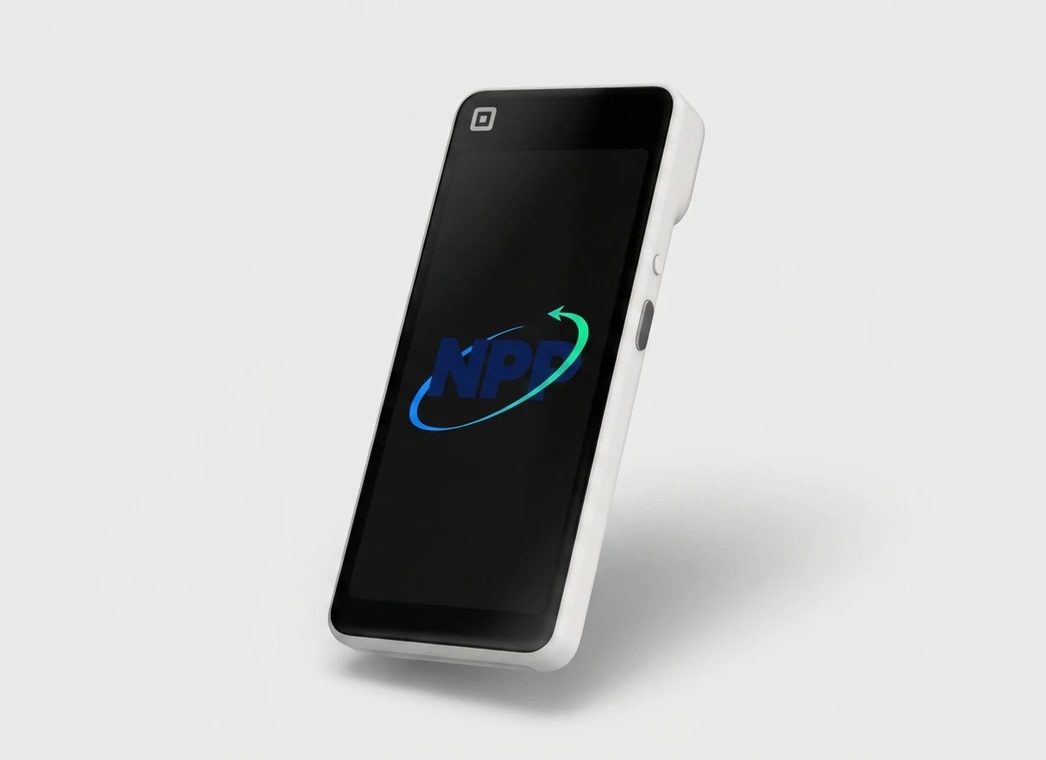
Square Handheld
Compact POS for taking orders, scanning items, and accepting payments anywhere.
- Best fit
- Tableside service, line busting, retail aisles, events, and field teams.
- Current options
- Ask NPP for current Handheld options

Tell us where customers pay. NPP can help you choose a practical Square setup.
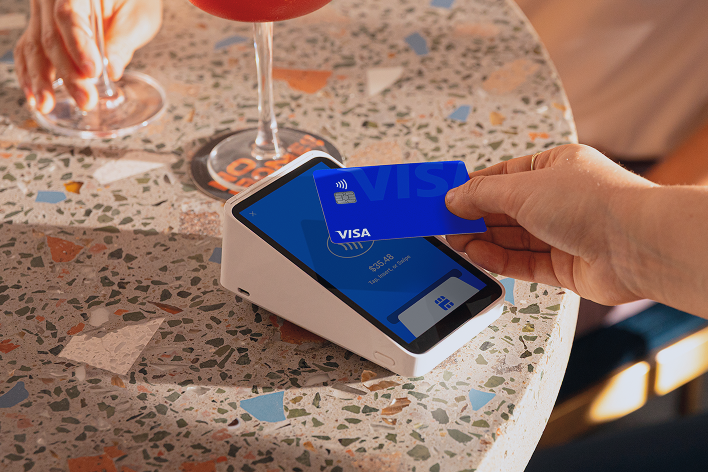
Compare each device. Confirm current pricing and availability before buying.
Compact POS for taking orders, scanning items, and accepting payments anywhere.
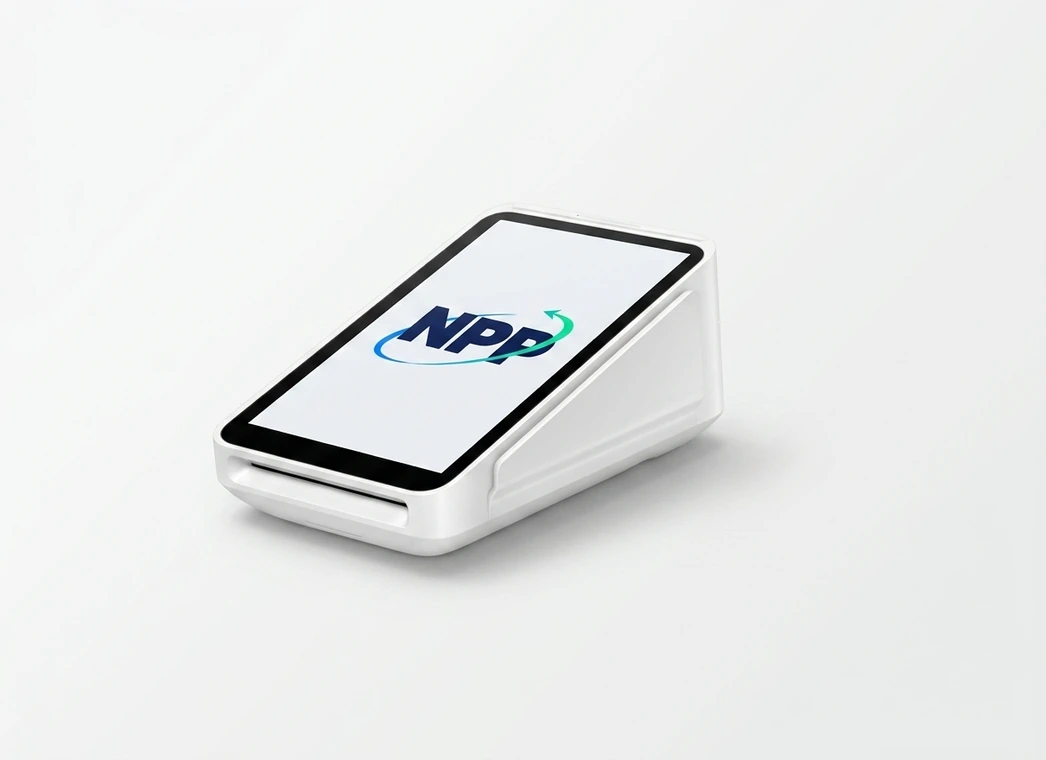
Portable payments with a built-in receipt printer.
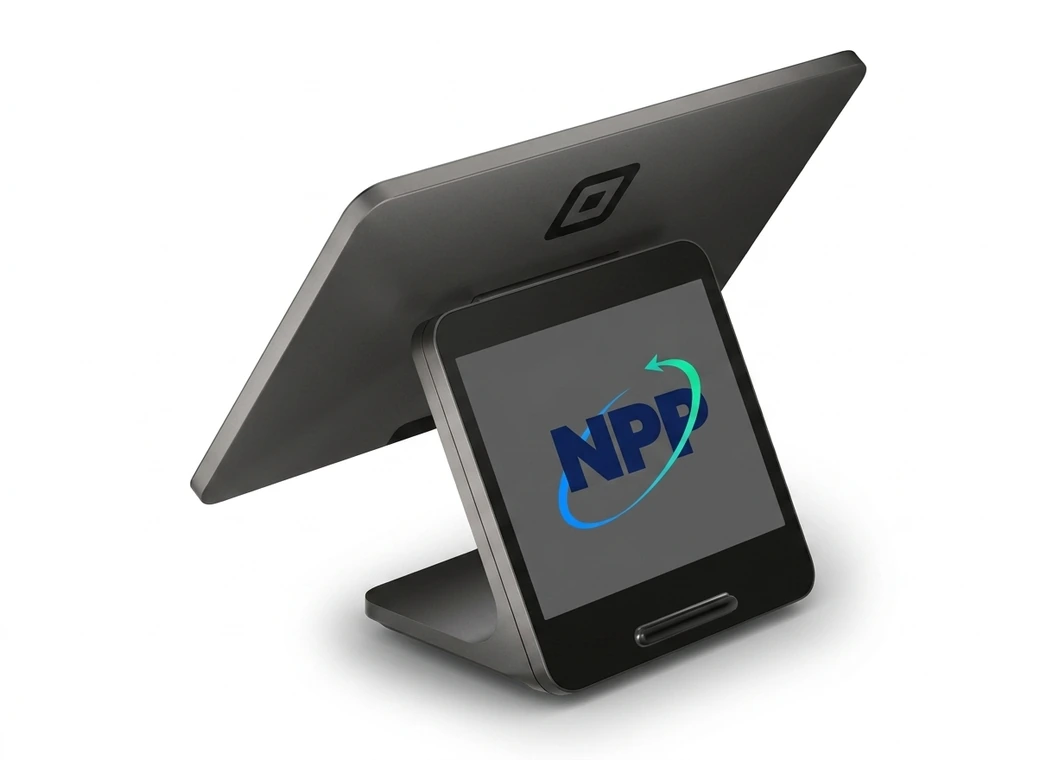
A polished, dedicated counter checkout with no tablet required.
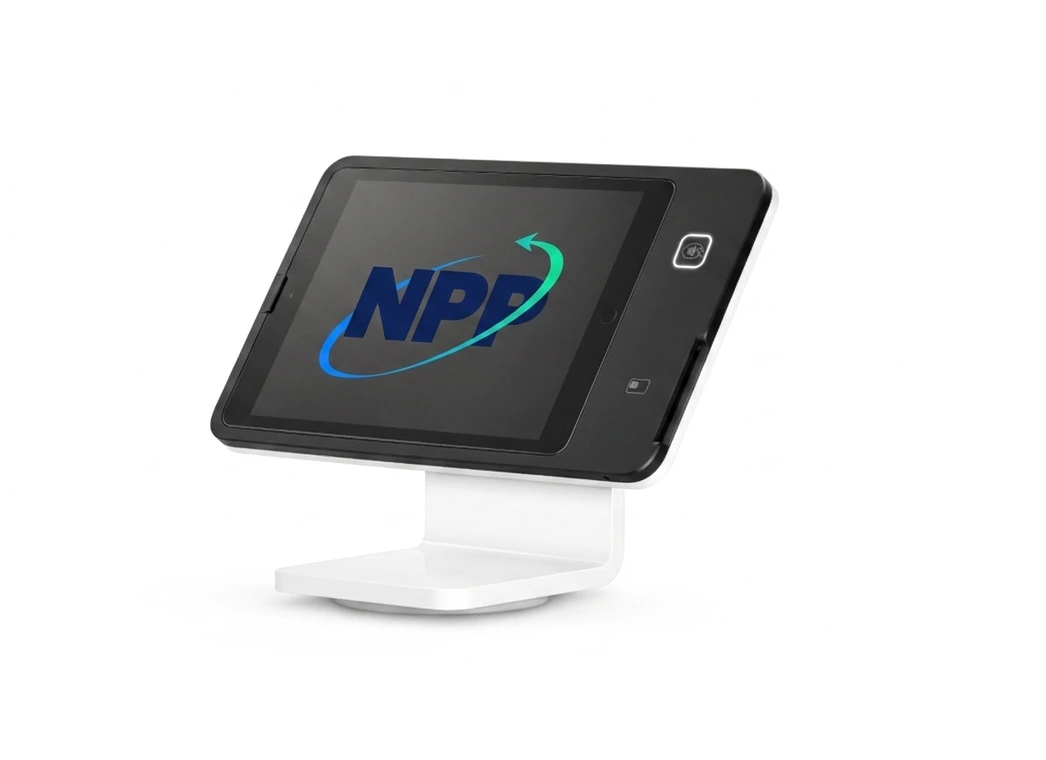
A swiveling, iPad-based counter checkout.
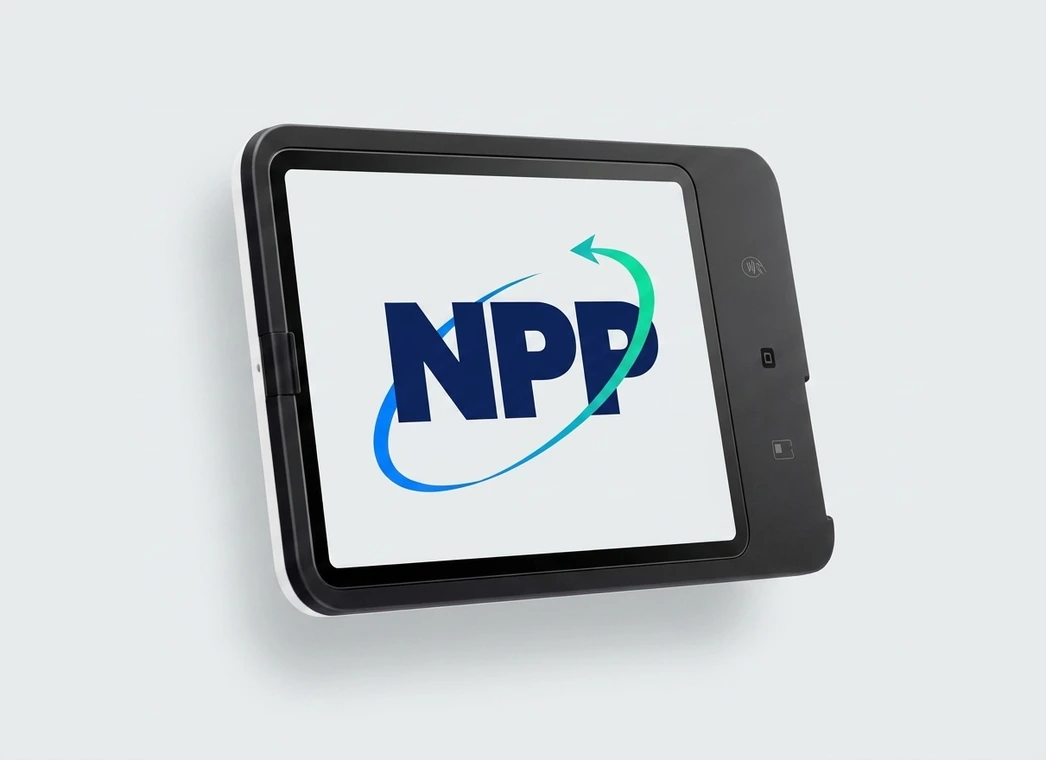
Self-service ordering and checkout without waiting for staff.
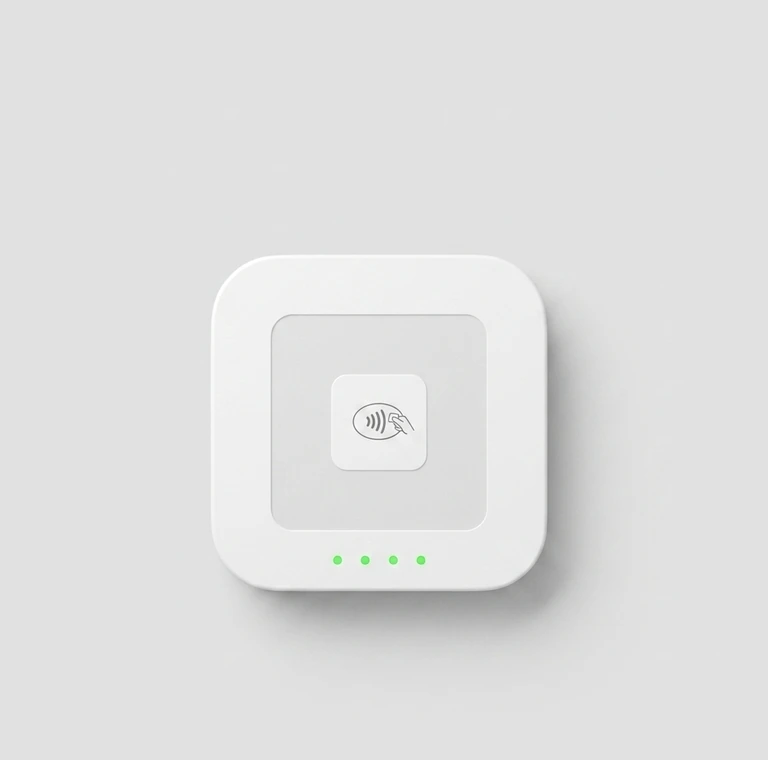
A pocketable reader for tap and chip cards.
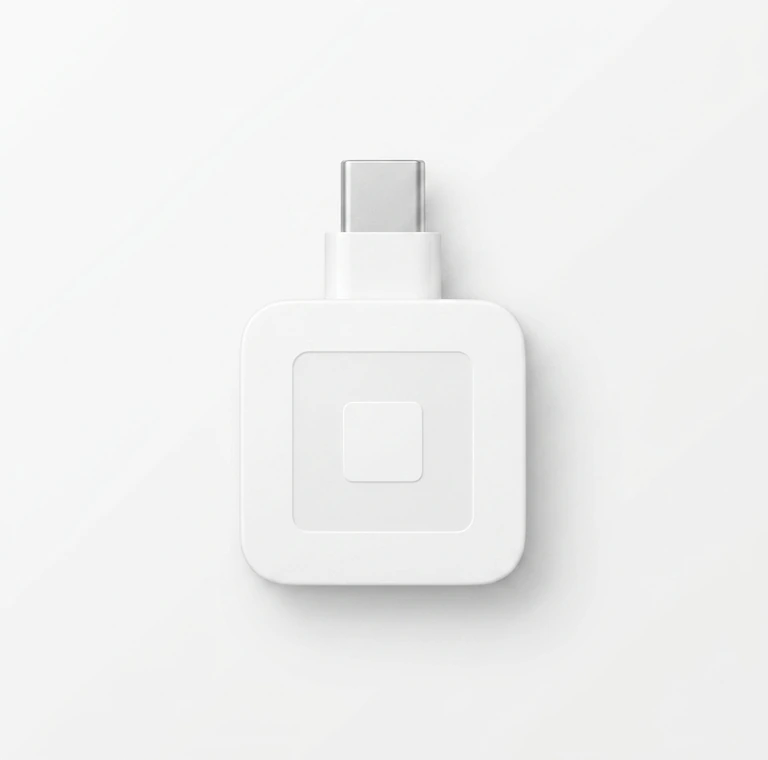
A lightweight swipe reader for specific or backup needs.
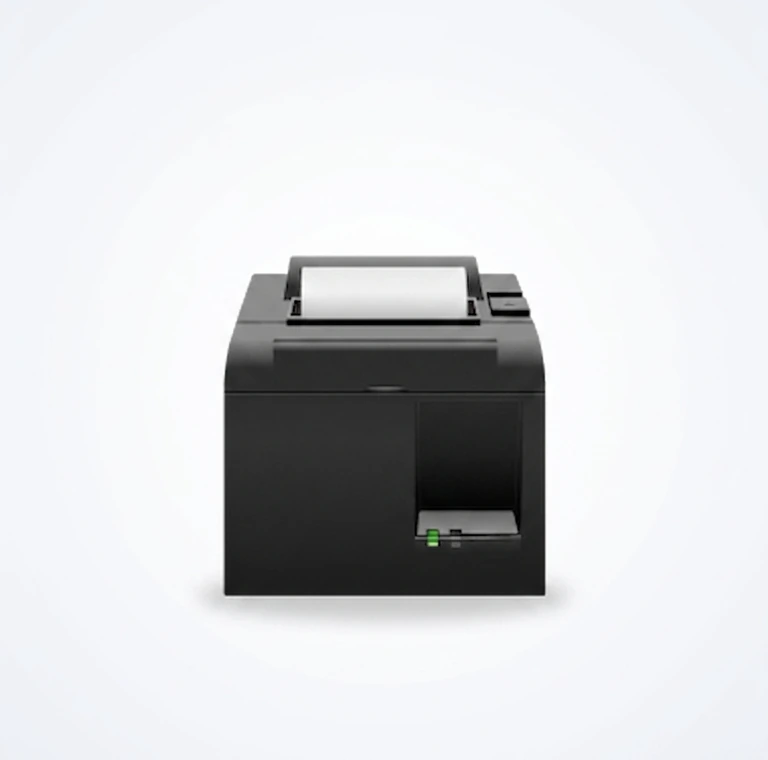
Printers, drawers, scanners, mounts, docks, and network gear.
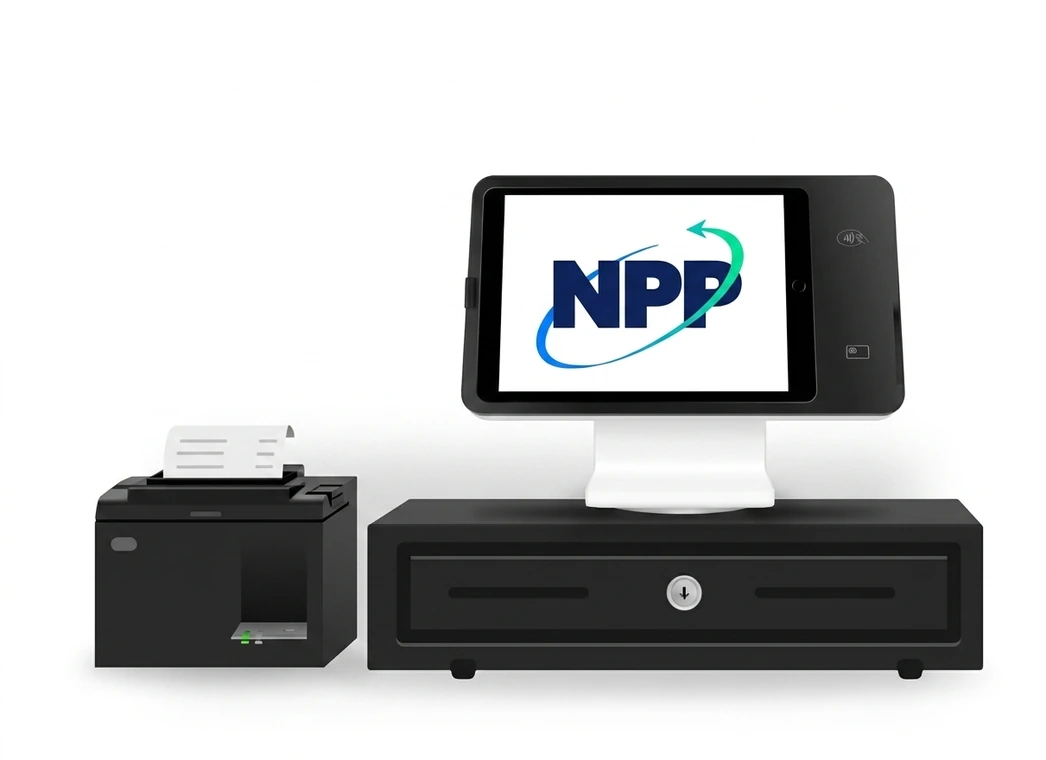
Core Square devices and common accessories bundled together.
Get a recommendation based on how you sell, print, scan, and serve.
Answer five quick questions for a starting recommendation.
Compare two to four options by mobility, receipts, connectivity, and accessories.
Build a shortlist. NPP can confirm compatibility, accessories, offline payments, and availability.
| Criteria | Square Handheld | Square Terminal | Square Register (2nd generation) |
|---|---|---|---|
| Best for | Staff-assisted checkout that moves with the customer. | Card payments with printed receipts in a small footprint. | Fast, fixed checkout with a customer-facing display. |
| Form factor | Handheld POS device | Portable terminal | Dedicated dual-display POS |
| Mobility | Excellent | Strong | Stationary |
| Receipt printer | External printer supported | Built in | External printer supported |
| Countertop use | Good as a secondary station | Good | Excellent |
| Tableside/field use | Excellent | Strong | Not intended |
| Kiosk/self-service | No | No | No |
| iPad required | No | No | No |
| Connectivity | Wi-Fi with mobile use planning | Wi-Fi with accessory options | Wi-Fi or Ethernet, depending on setup |
| Offline payments | Eligible offline-payment behavior should be confirmed during setup | Eligible offline-payment behavior should be confirmed during setup | Eligible offline-payment behavior should be confirmed during setup |
| Accessories | Docking, cases, printers, and barcode workflow planning | Dock, hub, kitchen and receipt printers where needed | Cash drawer, scanner, printer, scale, and mounting options |
| Recommended business type | Restaurants, mobile sellers, service teams, high-touch retail | Services, restaurants, mobile retail, salons, events | Retail, food and beverage, salons, nonprofits, front desks |
NPP helps the account, hardware, and team work together.
Start with a device or a question. NPP can help with the rest.