

Ready for your
next customer.
Square payments, hardware, and tools. Backed by an NPP team that helps you get started.
Opens Square’s standard application on app.squareup.com.
Processing fees apply. Square verification is required.
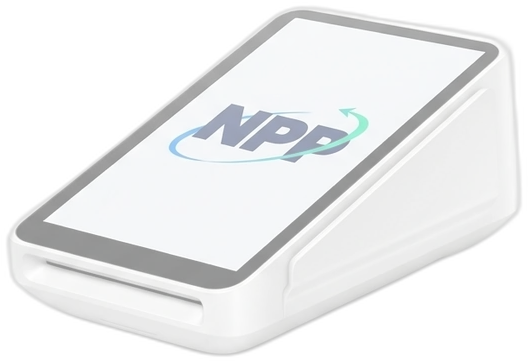
Square technology.
NPP’s payments experience.
Choose how you’d like to begin.
Start directly on Square. NPP is here if you want help comparing your options.
Already have a Square account? Finish your setup or talk to NPP before opening another. Partner offers may be limited to eligible new customers.
At the counter. On the move.
And everything in between.
Start with your business. Build the Square setup around it.
Retail & shops
A checkout that works as hard as you do.
Set up your counter02Food & drink
From the first order to the last tip.
Start your POS setup03Services & trades
Bring invoices, deposits, and payments together.
Get your business ready04Mobile & events
Take your business wherever customers are.
Take payments on the goStart your account.
Find your perfect fit.
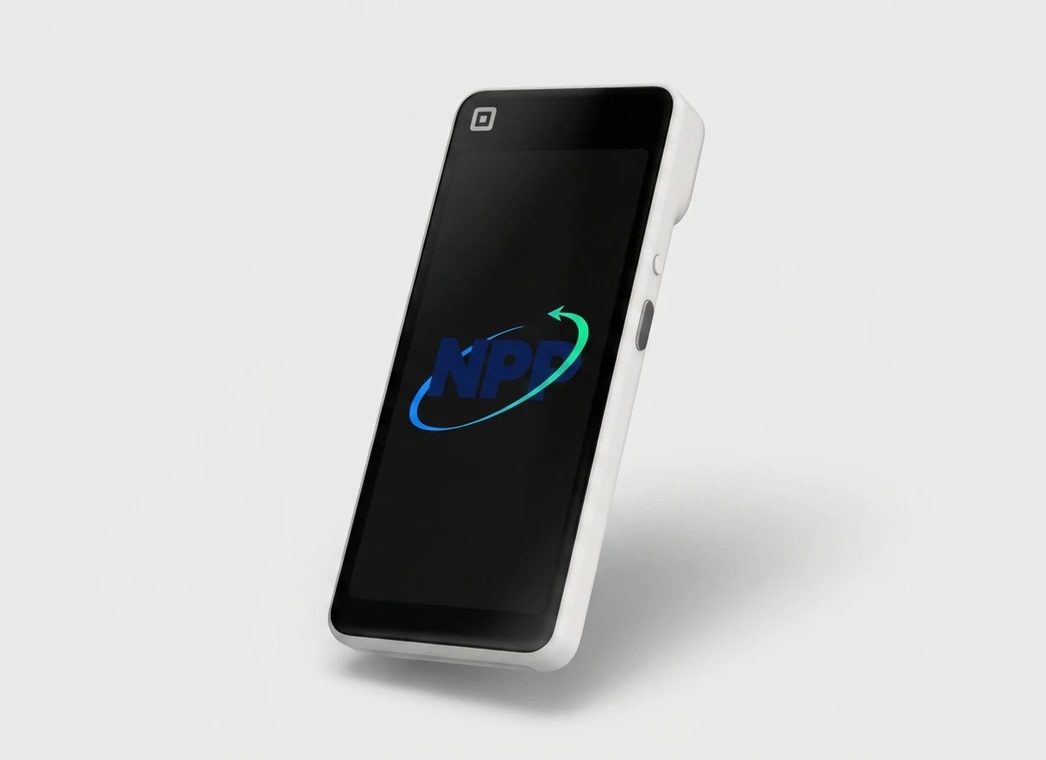
You can begin signup before deciding on every device. Explore Square hardware and ask NPP what fits your space, your team, and the way you sell.
Explore Square hardware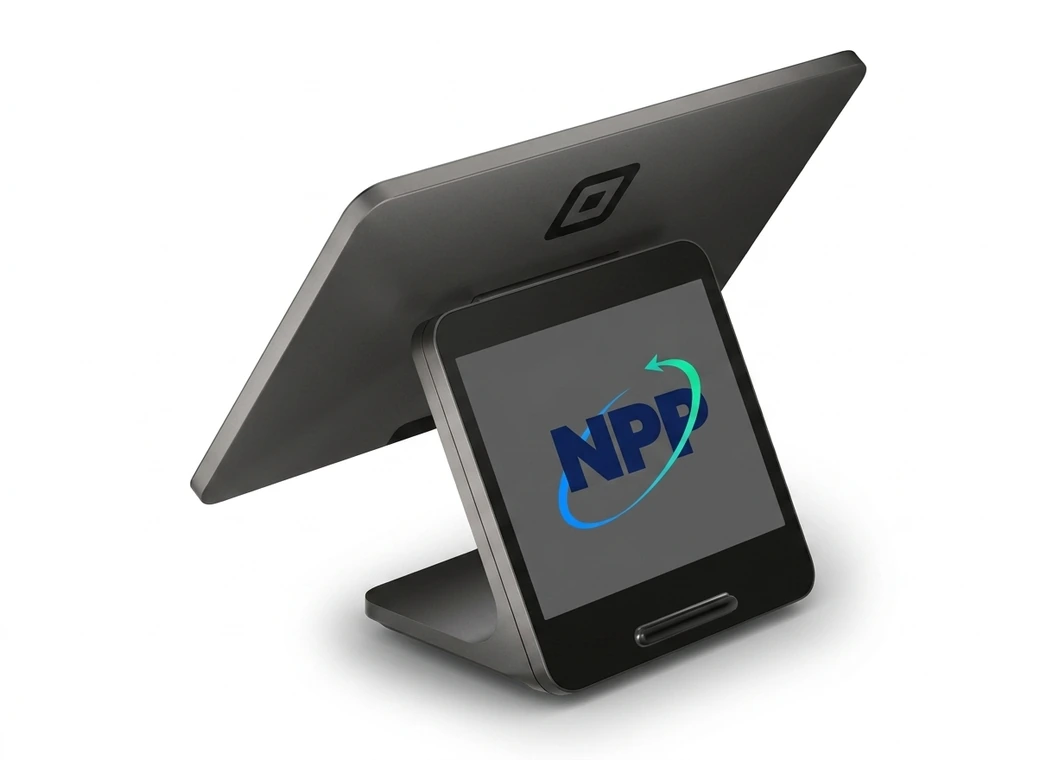
A clear next step. At every step.
Square handles your account and approval. NPP is here for the setup questions along the way.
- 01
Create your account
Continue to Square and enter your login and business details.
- 02
Complete verification
Follow Square’s identity and payment-approval prompts. Opening the dashboard is only part of setup.
- 03
Get ready to get paid
Once approved, finish your payment and transfer setup. NPP can help you choose hardware.
What should I have ready?
Your business name, address, business category, and the owner’s legal details. Square may request identity documents. You’ll also need a bank account for transfers. Enter sensitive information only on Square.