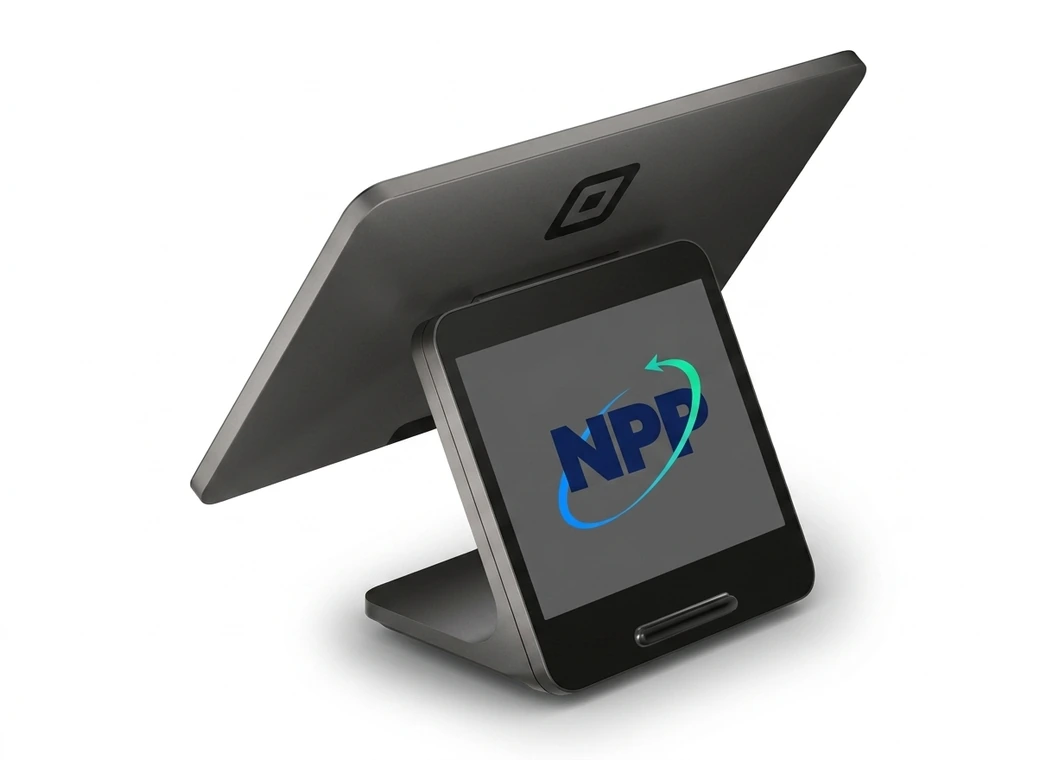
Countertop POS
Square Register (2nd generation)
A polished, dedicated counter checkout with no tablet required.

Apply first, then choose Register, Stand, printers, drawers, and scanners with NPP.
Hardware kits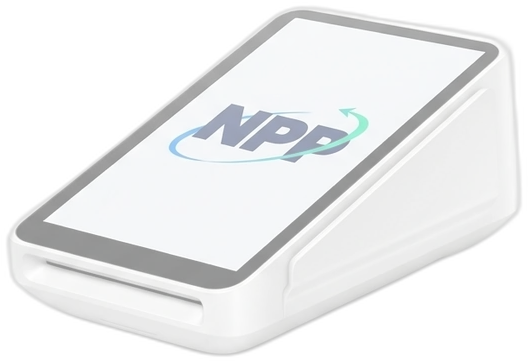
Payments, hardware, and a team you can call.
800-909-2124Secure application on app.squareup.com
Already use Square? Talk to NPP before opening another account. These offers may be limited to eligible new customers.
Compare hardware now, or start your account when you’re ready. Hardware is sold separately.
A polished, dedicated counter checkout with no tablet required.
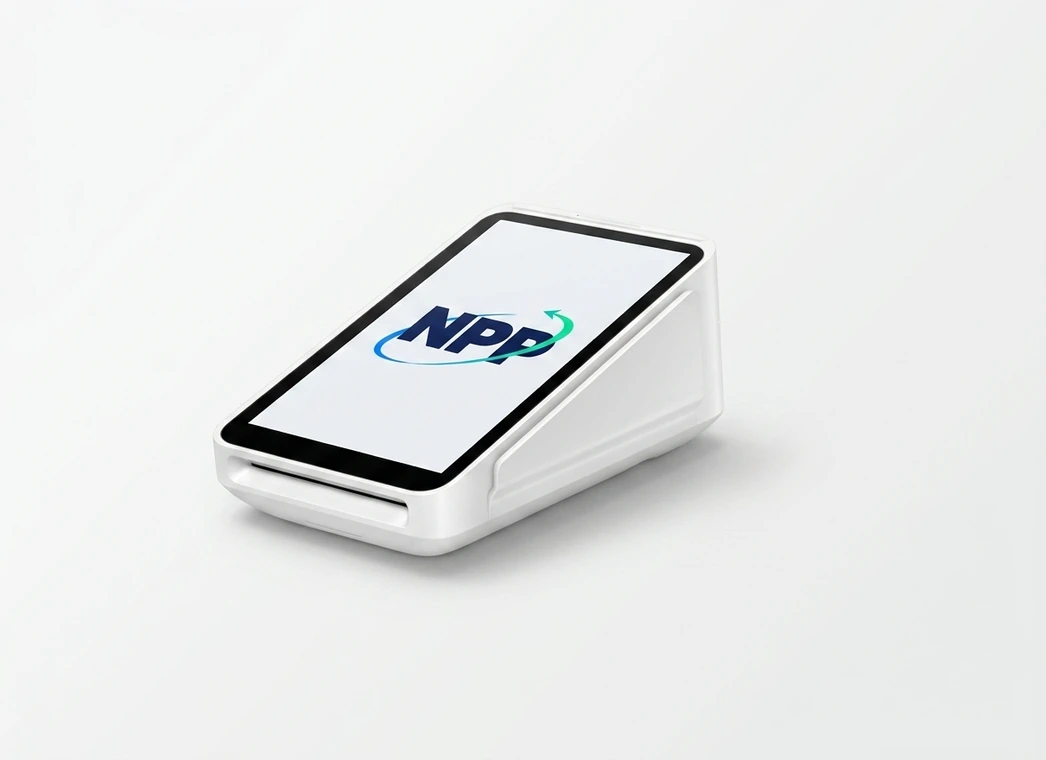
Portable payments with a built-in receipt printer.
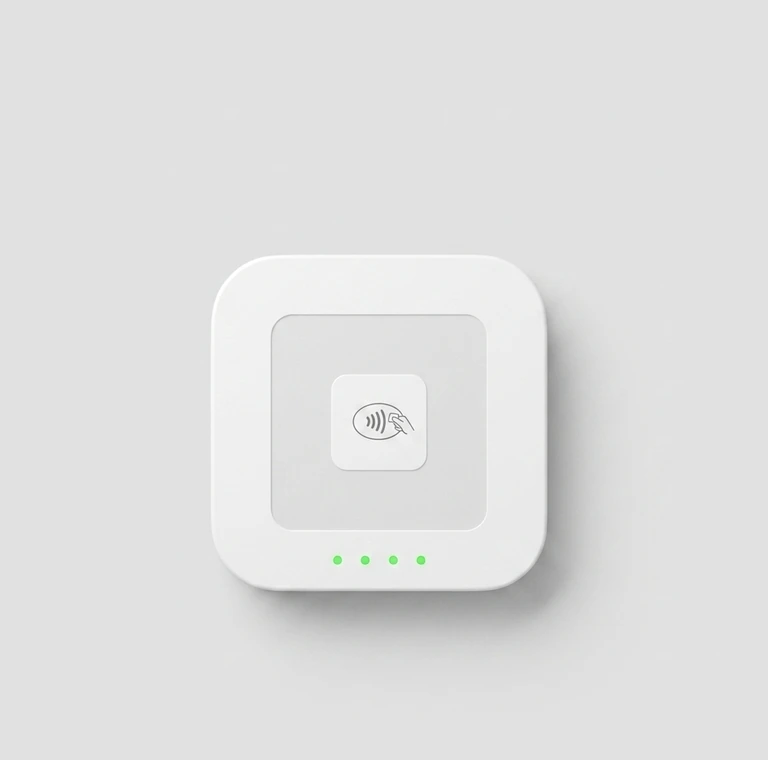
A pocketable reader for tap and chip cards.
Requires a compatible phone or tablet.
Square handles your account and approval. NPP is here for the setup questions along the way.
Continue to Square and enter your login and business details.
Follow Square’s identity and payment-approval prompts. Opening the dashboard is only part of setup.
Once approved, finish your payment and transfer setup. NPP can help you choose hardware.
Your business name, address, business category, and the owner’s legal details. Square may request identity documents. You’ll also need a bank account for transfers. Enter sensitive information only on Square.